Using Task Management
You can only see tasks related to activities you yourself have initiated or those from other users who are within your user scope (for example, a Super Admin with Root scope can see tasks from all users).
Use the System | Task Management page to keep track of taking place on the Stellar Cyber Platform. The Task Management page provides a handy overview of which platform tasks are being performed, who's performing them, and whether they are succeeding or failing. Handy filters at the top of the page let you focus on just the types of tasks in which you are interested.
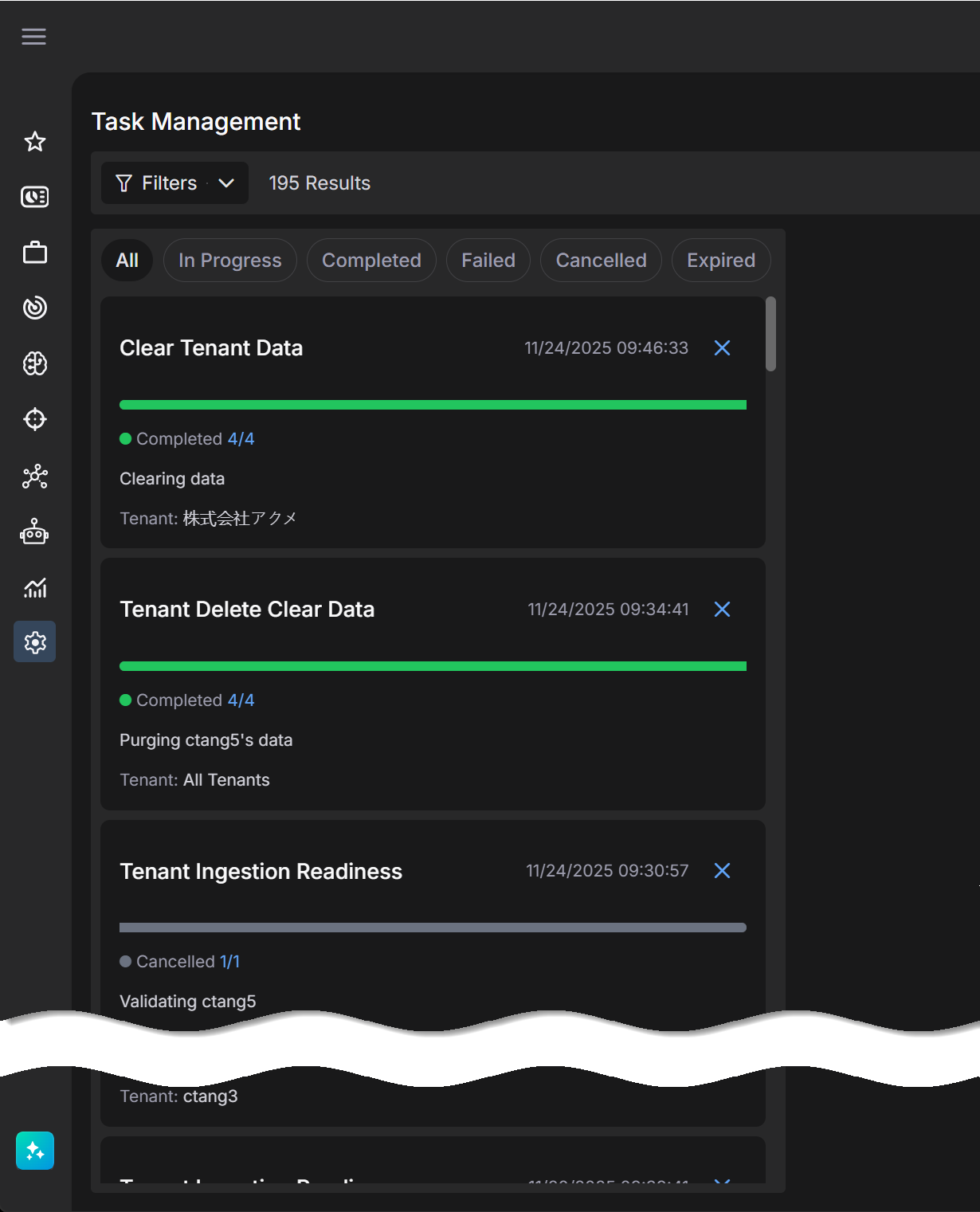
The Task Management page helps you keep track of the progress, success, or failure of ongoing Stellar Cyber activities (bulk actions to Cases, asset edits, cold data queries, tenant creations, data purges, tenant removals, and so on). Depending on the amount of data affected by an action, it make take time for some actions to complete. The Task List is useful in these situations, letting you see the progress of the action, especially long-running activities that may pass through multiple distinct phases on the road to completion.
Depending on the type of task displayed and its current state, different options are available for managing tasks, including the ability to clear, and in some cases, cancel, ongoing tasks.
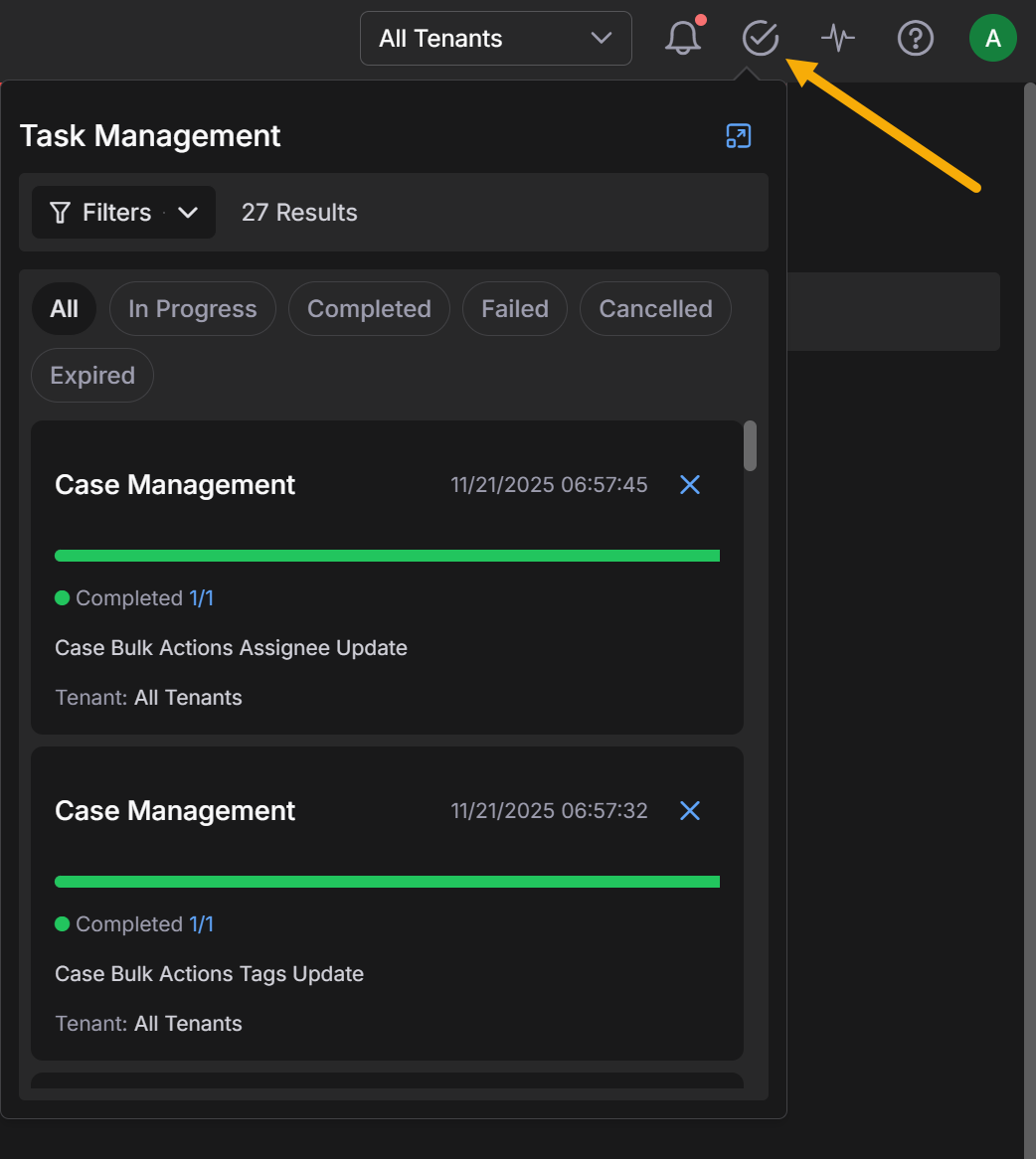
You can also display the Task Management list directly from the main toolbar using the Tasks icon  . From there, you can click the expand button to see the full-page Task List.