Getting Started Knowledge Base
The Stellar Cyber Platform brings security data from your network, endpoints, identity systems, and cloud services together to support investigation and response. This Knowledge Base helps you access the Stellar Cyber Platform for the first time. For on-premises deployments, it also guides you through installing the Data Processor.
Follow your deployment path
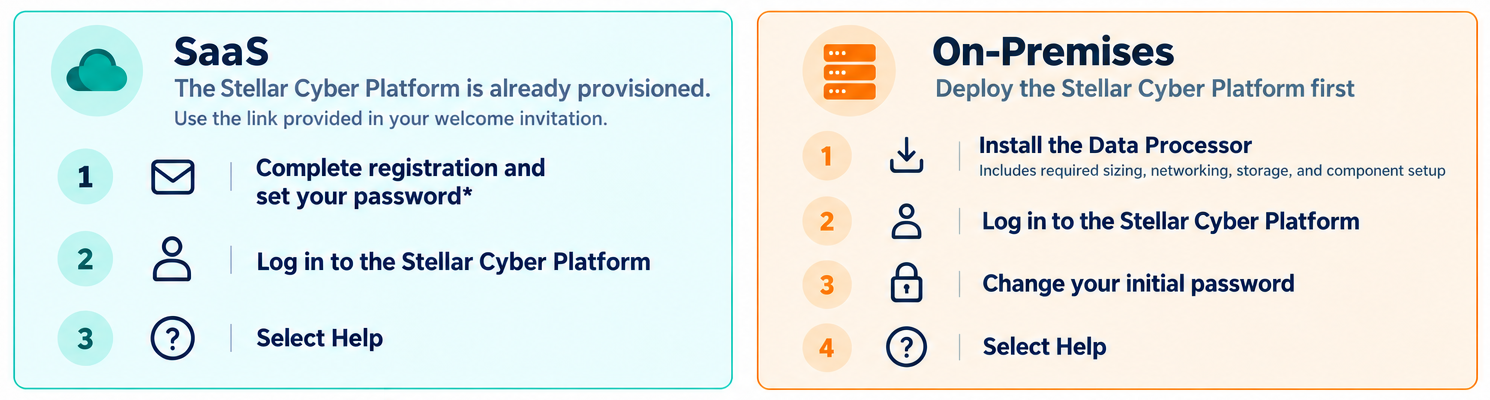
Select your deployment type and follow the steps in order. After you can log in, select the Help icon in the Stellar Cyber Platform to continue setup in the full Knowledge Base.
 SaaS
The Stellar Cyber Platform is provisioned for your organization. Use the access details provided in your welcome invitation.
-
Complete registration and set your password
SaaS Account Registration — Follow the account setup instructions supplied for your organization. If you have not received your invitation, contact your Stellar Cyber representative.
-
Log in to the Stellar Cyber Platform
First SaaS Login — Use the supplied URL and complete any authentication prompts.
-
Open the full SaaS Knowledge Base
Continuing Setup — Select the Help icon, then Knowledge Base Home, to find the configuration instructions for your SaaS deployment.
On-premises
Install the Data Processor and establish access to the Stellar Cyber Platform before configuring data collection.
-
Install the Data Processor
Installing a Data Processor — Choose the guide for your deployment environment. Complete its sizing, networking, storage, component-role, and activation steps in the documented order.
-
Log in to the Stellar Cyber Platform
First On-Premises Login — Open the management address specified by your installation guide and use the initial administrator credentials.
-
Change your initial password
Initial Password Change — Replace the default password when prompted. Console and web administrator credentials are separate.
-
Open the full on-premises Knowledge Base
Continuing Setup — Select the Help icon, then Knowledge Base Home, to continue configuring the Stellar Cyber Platform.
What to configure next
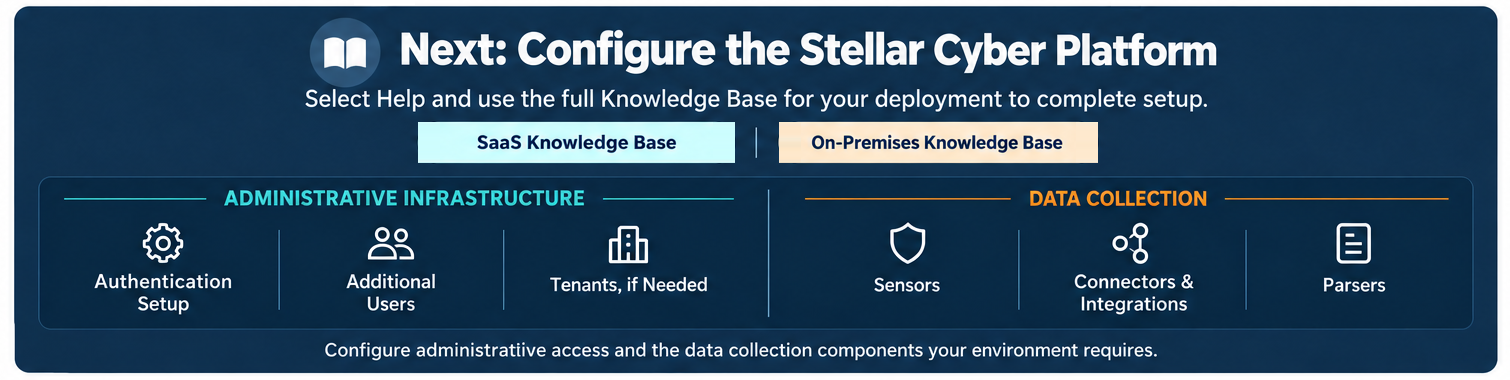
Logging in is the starting point. You still need to configure administrative access and the data collection components your environment requires. Use the full Knowledge Base for your deployment to complete these tasks.
Administrative Infrastructure
-
Authentication Setup — Configure the authentication method and two-factor authentication requirements.
-
Additional Users — Add accounts and assign appropriate access.
-
Tenants, if Needed — Configure tenants when your organization needs them.
Data Collection
-
Sensors — Install and configure the sensors your environment requires, including their receiver and sensor-profile settings.
-
Connectors & Integrations — Connect the products and services that supply your security data.
-
Parsers — Configure log sources and parsing for the logs you need to collect.
See Continuing Setup in the Full Knowledge Base for the handoff and access guidance.